
Deployment guides for web and mobile
Deployment and App Store Launch Planning
Shipping is a distinct phase with its own problems, and it is where good products often lose time. Web deployment and mobile release follow different rules. This page covers workflows, review, and localization as practical steps.
a — every change gets a live preview url before production, so review happens on a real build.
b — store review shapes subscriptions, purchases, and metadata long before you submit.
c — clear names, real screenshots, and localized listings decide whether people install.
d — review time is a schedule item, especially when a Korean launch window is fixed.

Vercel changed how quickly web teams iterate, while Apple review imposes timelines that have to be planned for. Both tracks are covered below.
Vercel and the preview deployment workflow
Preview urls Production deploys Next.js teamsVercel is a cloud platform focused on front-end and full-stack web deployment, closely associated with Next.js. Its preview deployments are the feature that changes how teams work: every change gets a live URL before it reaches production, so review happens on a real build instead of a description.
That shortens feedback loops and reduces the gap between what a developer intended and what a stakeholder sees. It is a common choice for product teams shipping marketing sites and web apps quickly, because content edits, layout fixes, and copy changes can be checked in context.
Compare web development optionsa — a preview link shows the exact build tied to a change, not a screenshot or a local setup.
b — designers, writers, and decision-makers open the same url at the same time.
c — production stays separate, so approved work promotes forward without manual copying.
d — for content-heavy sites, that pace keeps pages current instead of going stale.
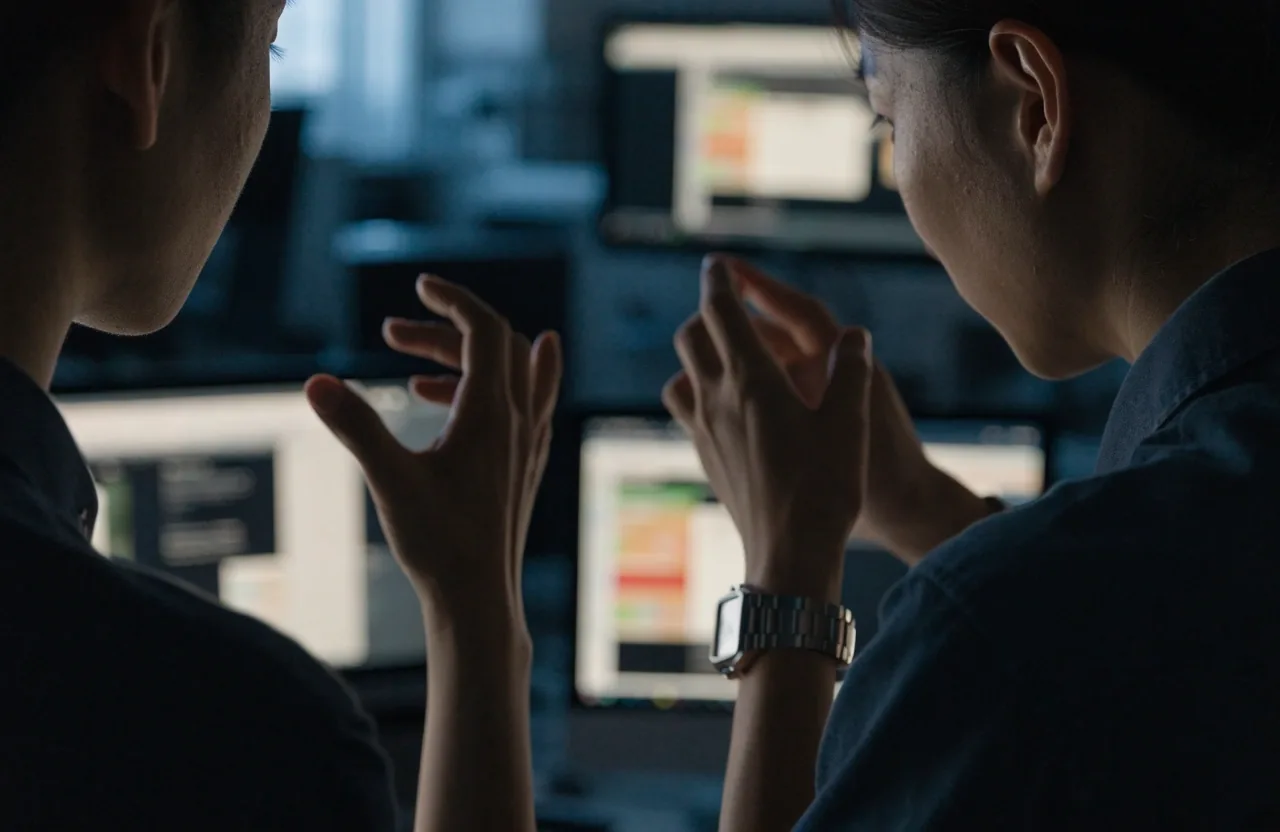
Review on a live build, not on a description of the change.
Iteration pace
What preview deployments changed
Before preview deployments, reviewing a change often meant someone running it locally or waiting for a staging release. Both add delay. A live preview URL means a designer, a writer, and a decision-maker can all look at the same build at the same time.
For content-heavy sites and marketing pages, that pace matters, because iteration speed is usually the difference between a site that stays current and one that goes stale. Comments attach to something visible, approvals come sooner, and small fixes do not wait for a release train.
CI/CD without the jargon
CI/CD means automated checks and deployment: code is tested and built when it changes, and it reaches an environment without manual steps. The benefit is consistency. A team that deploys by hand will eventually deploy something that was not tested.
Automated pipelines catch that before users do. The setup does not need to be elaborate. A practical Vercel deployment guide for a small team is simple: run tests and build on every change, keep preview separate from production, and let promotion stay automatic. That covers most of the value of CI CD for web apps without extra tooling.
Working key
- local run — slow, depends on one machine and one setup.
- staging wait — shared queue, review arrives late.
- preview url — live build per change, open to the whole team.
- automated build — tests run on every push, deploys stay consistent.

Store release
Apple App Store review, realistically
The Apple App Store review process affects product decisions before launch, not after. Subscription rules, in-app purchase requirements, and metadata standards shape what you are allowed to ship. Submissions can be rejected for reasons that have nothing to do with code quality, including unclear screenshots or incomplete review notes.
Teams that prepare these carefully tend to have smoother releases than teams that treat review as a final checkbox. Read the purchase rules early, write review notes as if the reviewer has never opened the app, and keep a test account ready with realistic data.
e — subscriptions and purchases must follow store rules, or the build cannot ship as planned.
f — screenshots, descriptions, and review notes are judged alongside the binary.
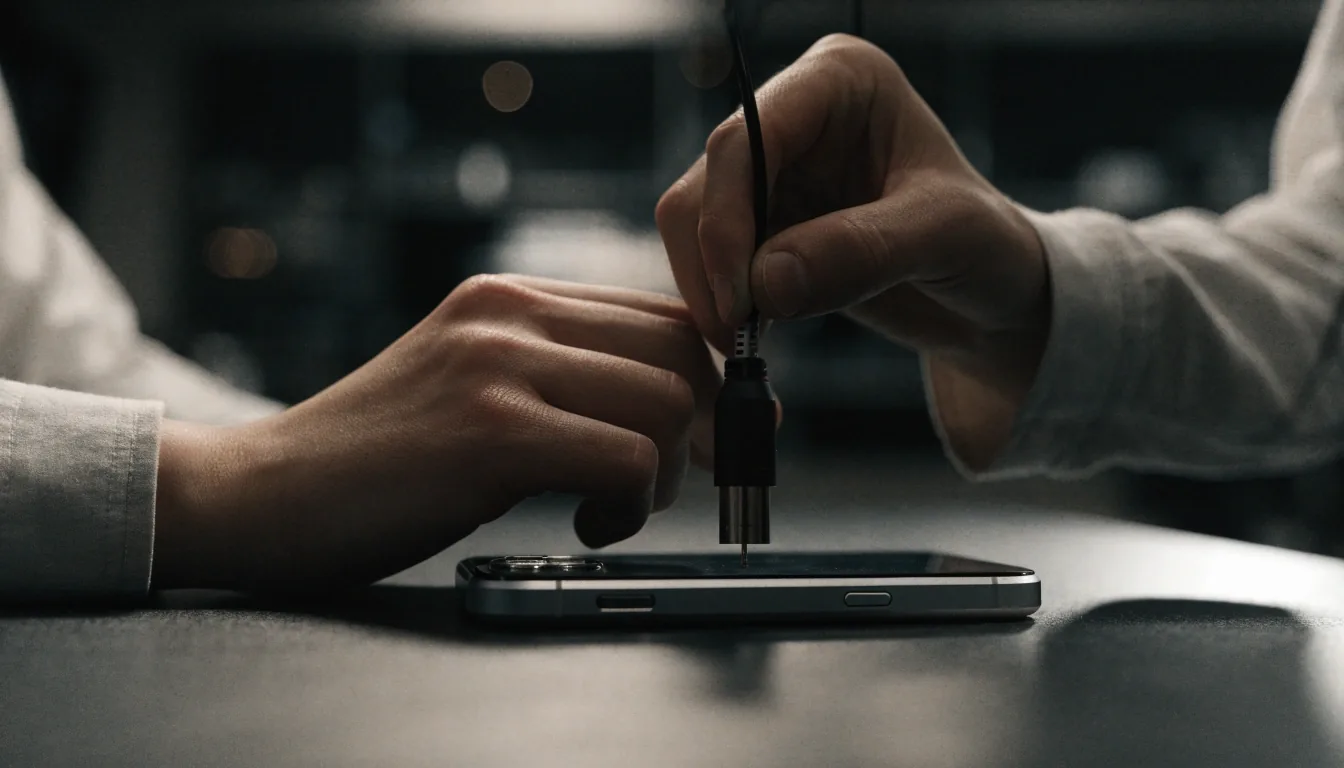
Planning review into your schedule
Review takes time, and time is a schedule item. A release plan that assumes same-day approval will slip. Build a buffer into the schedule, prepare metadata and screenshots in advance, and hold the launch window until approval lands. For Korean teams targeting a fixed date, that buffer matters more than most.
App store optimization basics
App store optimization covers the elements that influence whether people find and install your app: the name, subtitle, description, screenshots, and keywords. It is not a trick, it is clarity.
A description that states what the app does and who it is for reads better than a list of adjectives. Screenshots that show the actual interface outperform abstract graphics. These are the parts of the listing a reviewer and a potential user both read, so write app store optimization tips into plain sentences: what it does, who it helps, how to start.
- name and subtitle — say the job of the app in a few words, avoid stacked adjectives.
- screenshots — show real flows in order, first screen explains the core action.
- keywords and description — match how people search, then explain in full sentences.
Localization for the Korean market
Mobile usage dominates in South Korea, and mobile app localization for Korea goes beyond translating strings. Date formats, address fields, currency display, and customer-support flows all need to match local expectations.
Store listings also need localized metadata, which is separate from the in-app text. A product that gets the app right and the listing wrong still loses installs. Treat localization as a launch requirement, not a later task, to avoid rework after release.

Local formats, support hours, and store copy are checked before launch day.
Release models
Web and mobile release are different problems

Web deployment can be continuous: push a change, it goes live. Mobile release is gated by store review and by users who choose when to update. That difference affects how features are planned.
Web teams can fix a bug within hours; mobile teams may wait days and still have users on an older version. Planning around this constraint, rather than being surprised by it, is one of the more practical lessons in shipping.
Web track
Continuous deploys with preview checks. Roll forward quickly when copy or layout needs a fix.
g — push, test, promote; keep production calm.
Mobile track
Gated releases with review buffers and version support. Ship defensively and note what older builds still do.
h — submit early, support the previous version, stage the rollout.
Launch questions, answered plainly
Short answers to the questions teams ask before they set a date. For anything specific to your stack, write to the studio.
What is a preview deployment?
A preview deployment is a live URL generated for a change before it reaches production. It lets designers, writers, and decision-makers review a real build rather than a description. Vercel popularized the workflow, and it is one of the main reasons web iteration has become faster.
How long does Apple App Store review take?
Review times vary, and the useful planning assumption is that it takes longer than a same-day release. Subscription and in-app purchase rules can also affect what you are allowed to ship. Building a buffer into the schedule and preparing metadata in advance is the practical approach.
What does app store optimization actually involve?
It covers the name, subtitle, description, screenshots, and keywords that influence discovery and installs. Clear descriptions of what the app does and screenshots showing the real interface tend to perform better than abstract marketing copy. It is a clarity exercise more than a technical one.
Does localization matter for the store listing?
Yes, and it is separate from in-app text. Store listings need localized metadata, including descriptions and screenshots, to match local expectations. A well-localized app with an English-only listing still loses potential users in the Korean market.
Next step
Set a launch date you can keep
Bring your current build, your target window, and your store checklist. We will talk through preview setup, review buffers, and what your listing still needs. Reach the studio at [email protected] or by phone at (650) 640-4059, Monday to Friday, 09:00 to 18:00.